A scheduled cost is paid
When you pay one of your scheduled costs, pay it from the Scheduled costs list. Type what you really paid, even if it is more or less than usual.
Where are you doing it?
- Tap Fund at the bottom of the screen.
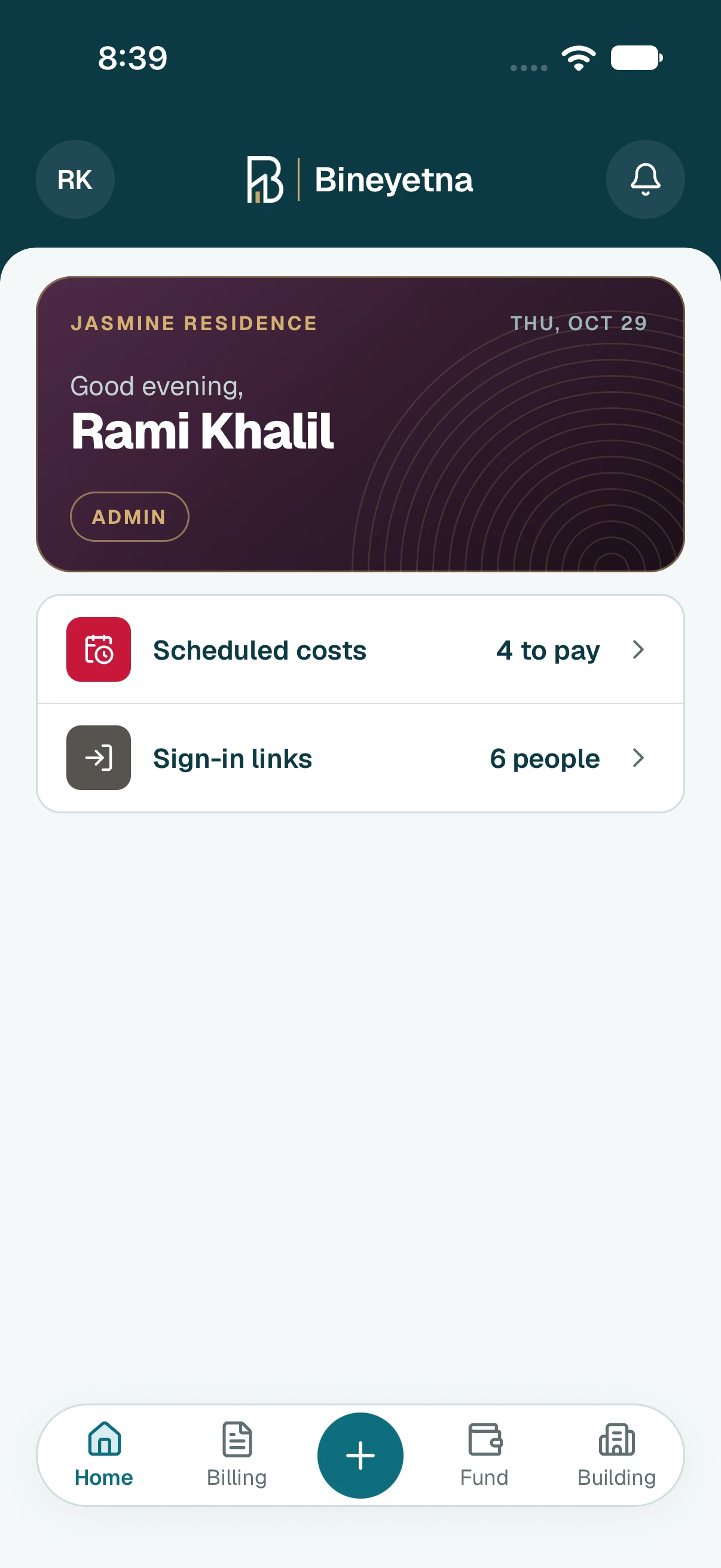
- Tap Scheduled costs.
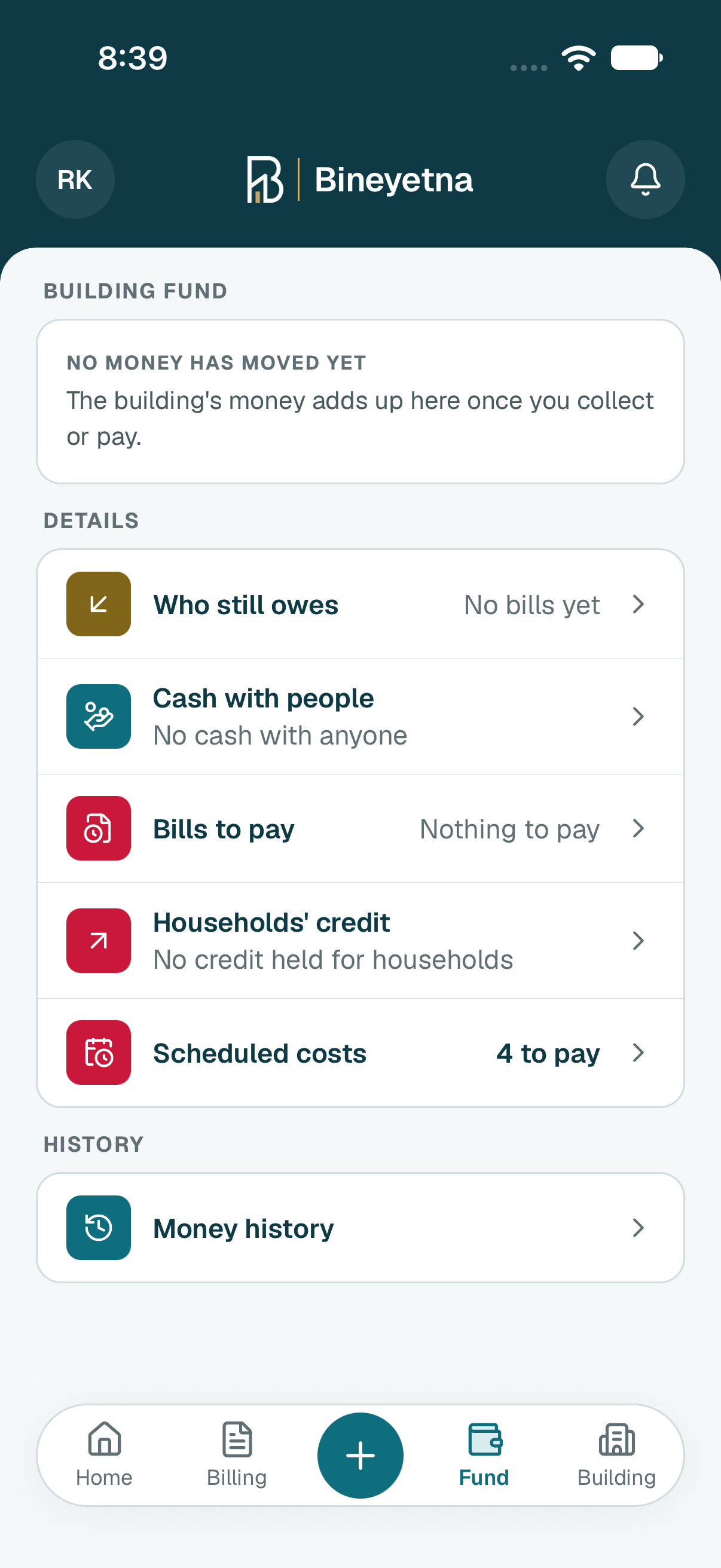
- Under To pay, tap the cost you paid. A month you missed has a warning sign.
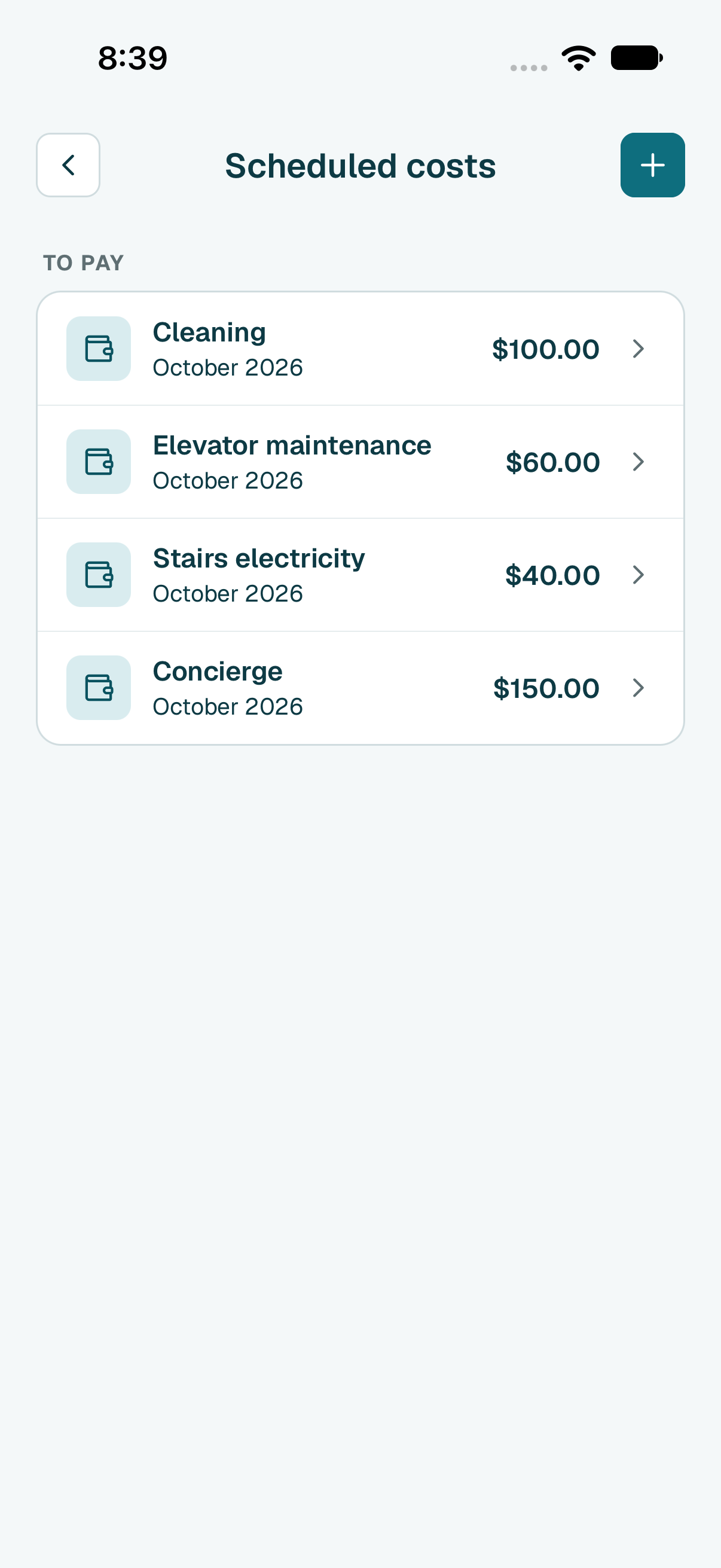
- Tap Pay at the bottom, then Pay it now.
- The form is filled in for you, and the cost is already charged to Building costs.
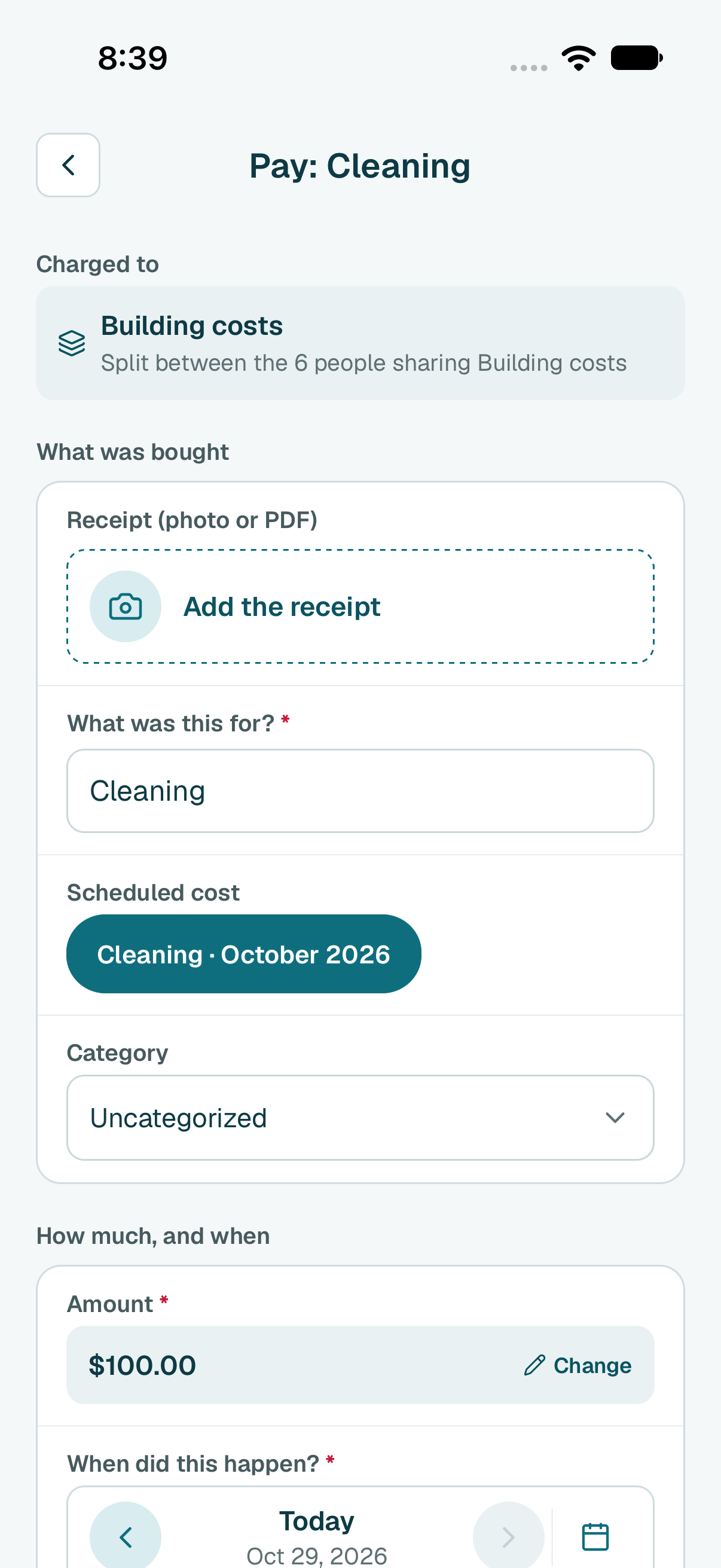
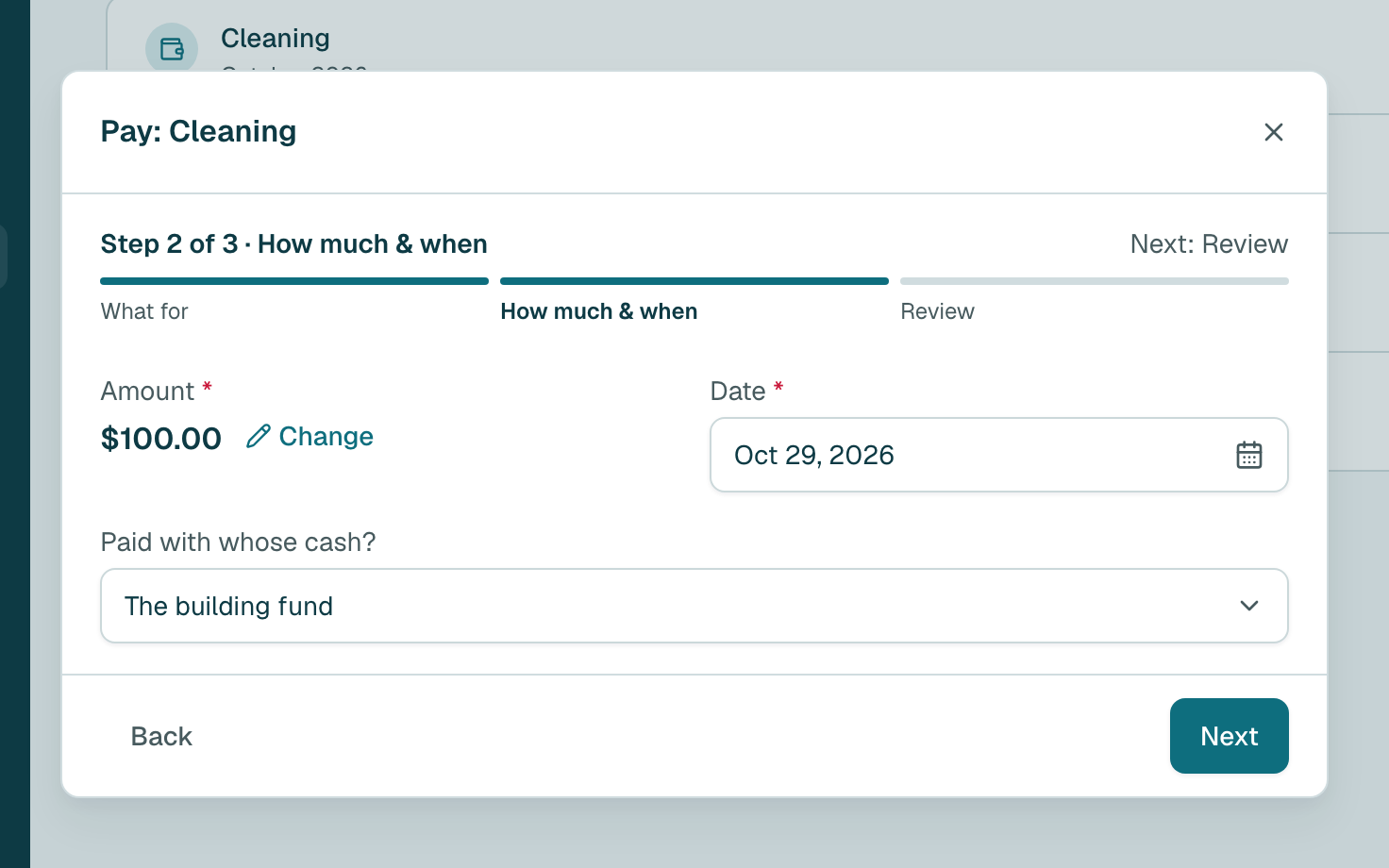
The usual amount is already filled in. If you paid a different amount, tap Change and type what you really paid.
Tip
If it is far from the usual amount, you see a warning. Check the bill, and save if it is right. Will it cost this from now on? Tick Use this amount from now on.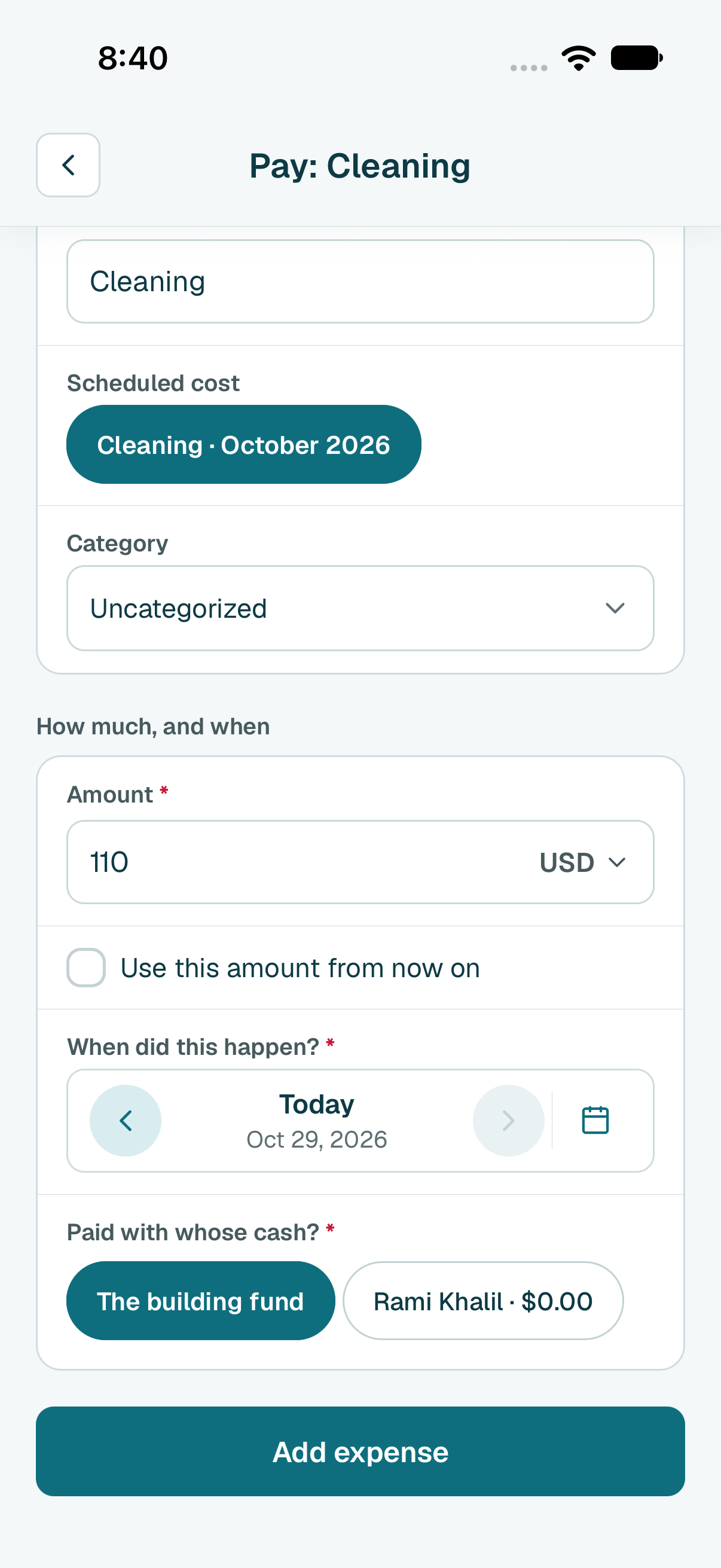
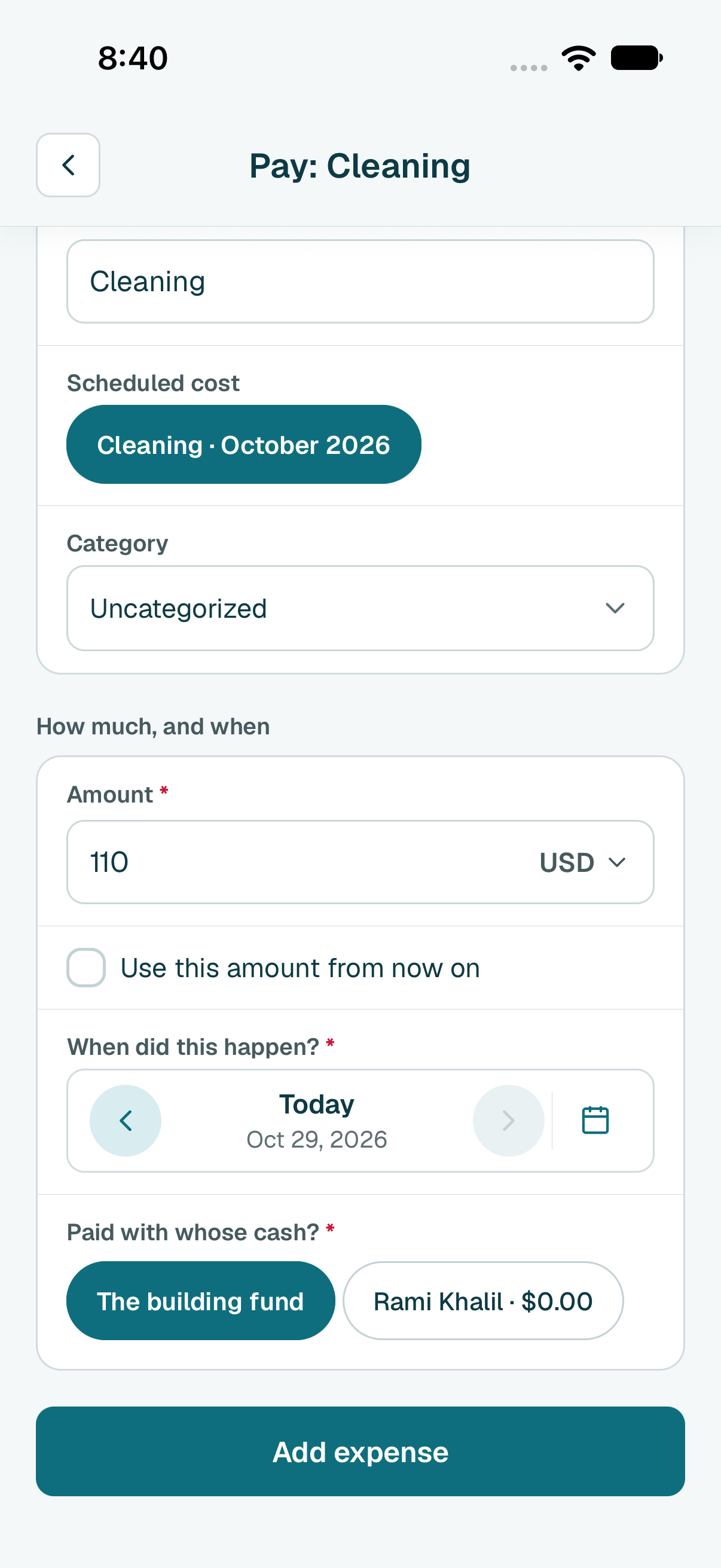
- Tap Add expense.
- Tap Done.
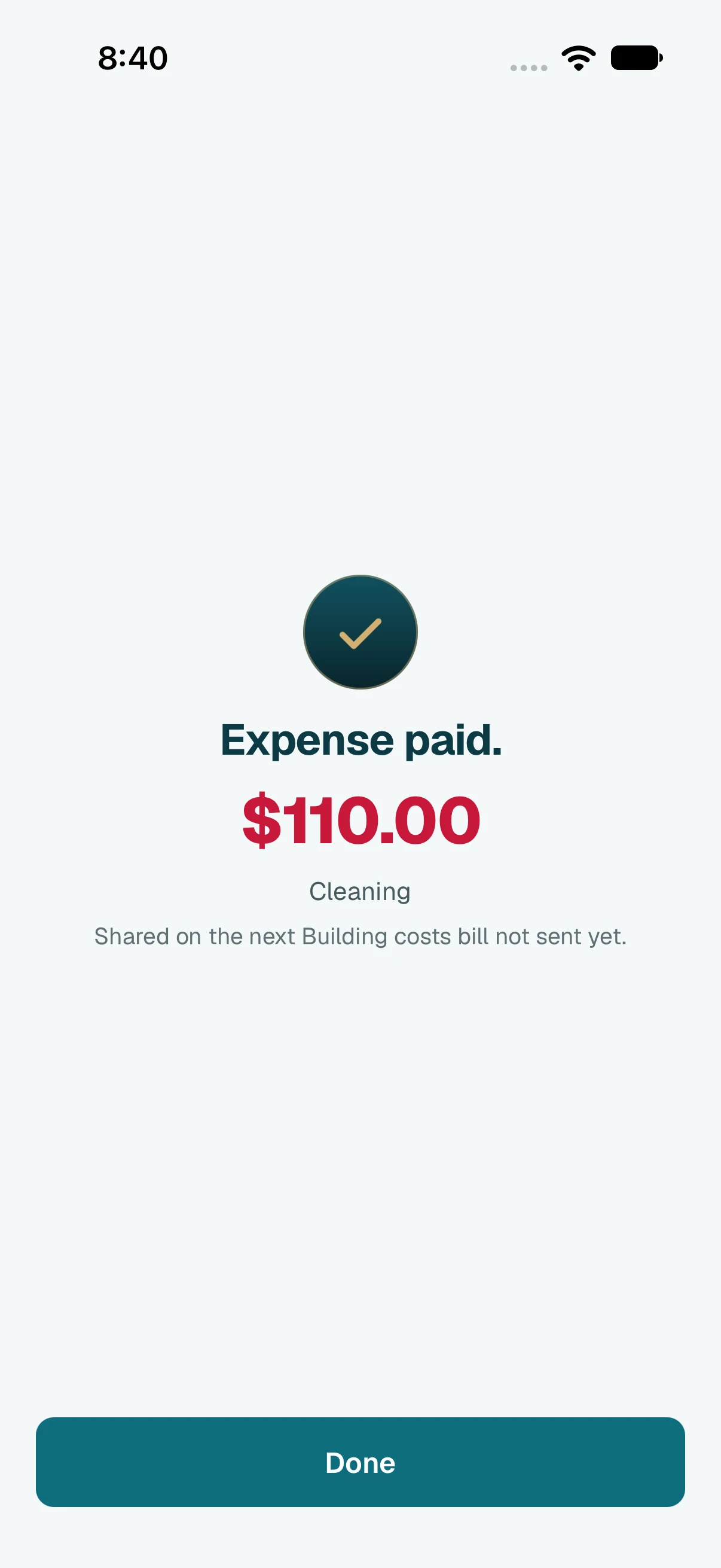
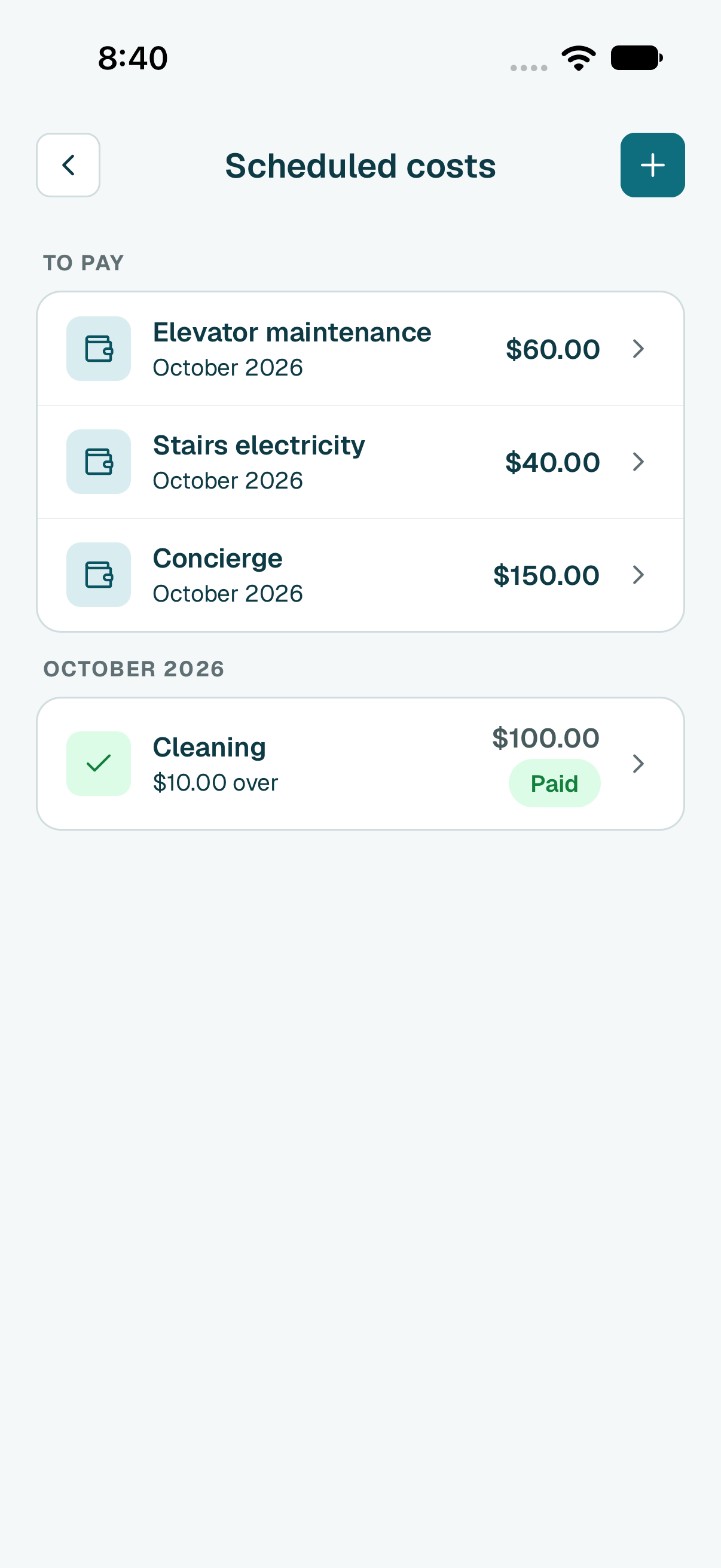
- Done. The cost leaves To pay and moves under this month, marked as paid. If you paid more or less than usual, it shows by how much.
Tip
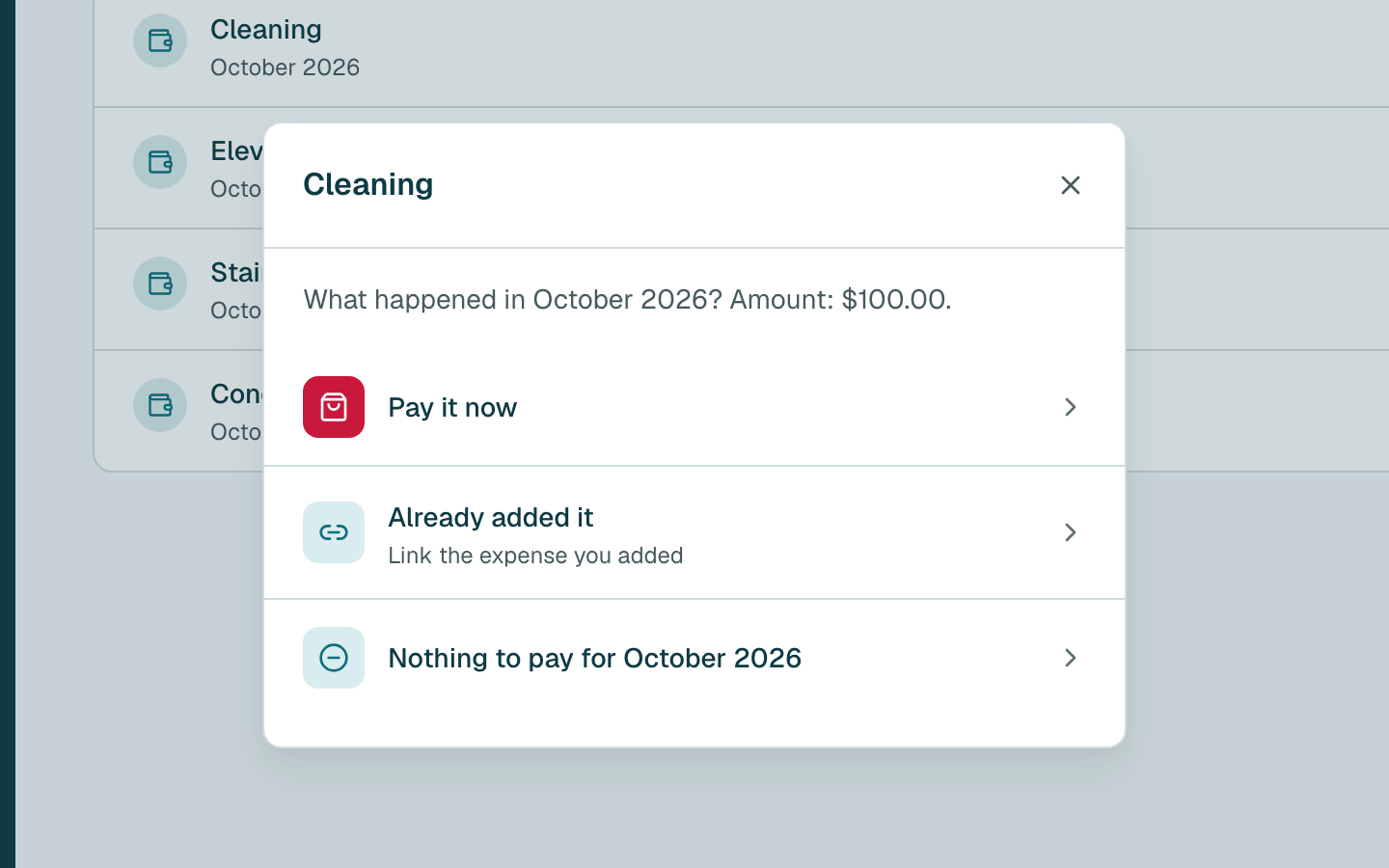
Already added it with the + button? Open the cost, tap Pay, then Already added it. Nothing to pay this month? Tap Pay, choose nothing to pay, and say why.
Tip
You can also open it from Building › Shared costs: tap the cost, then Pay.
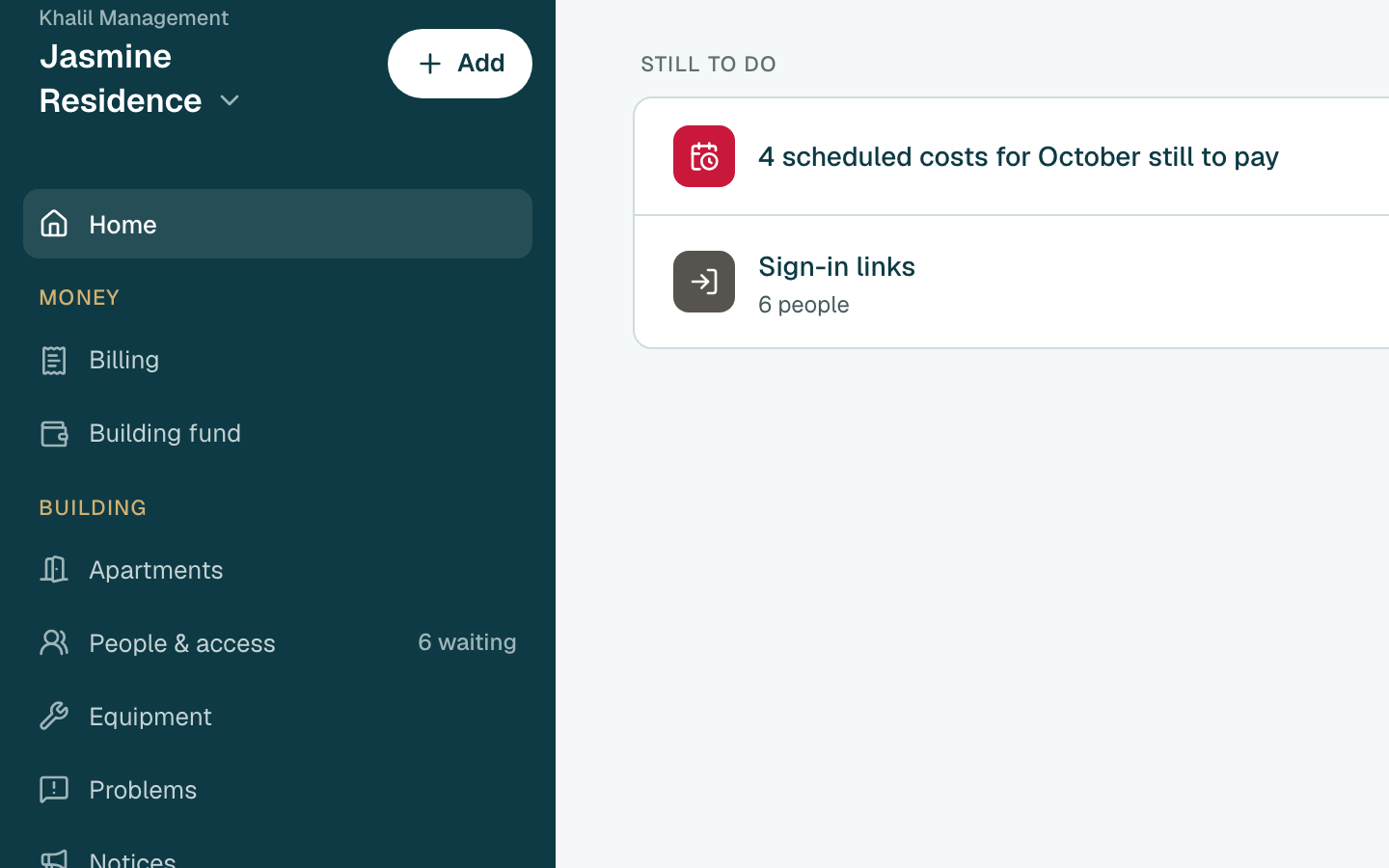
- Click Building fund in the side menu.
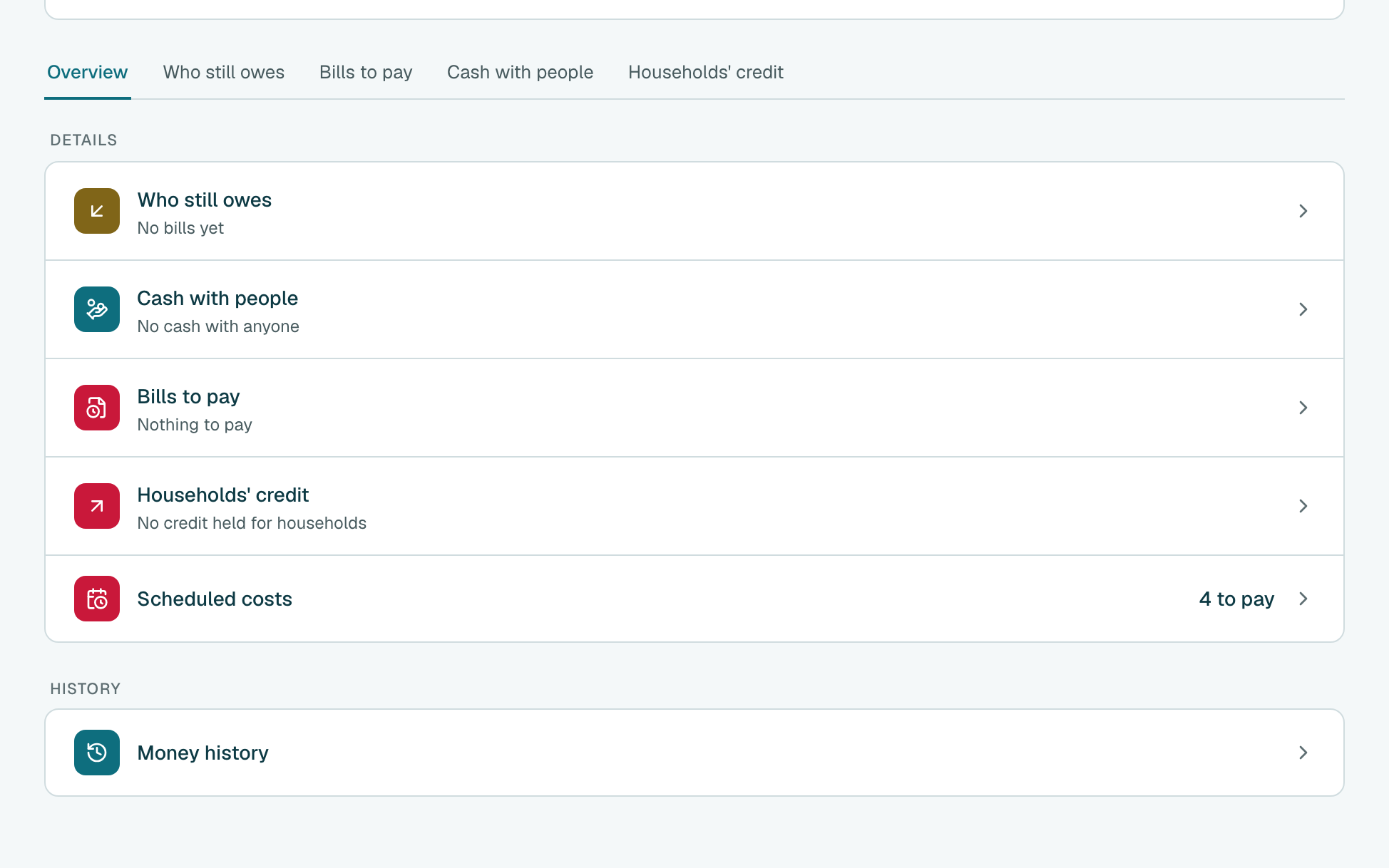
- Click Scheduled costs.
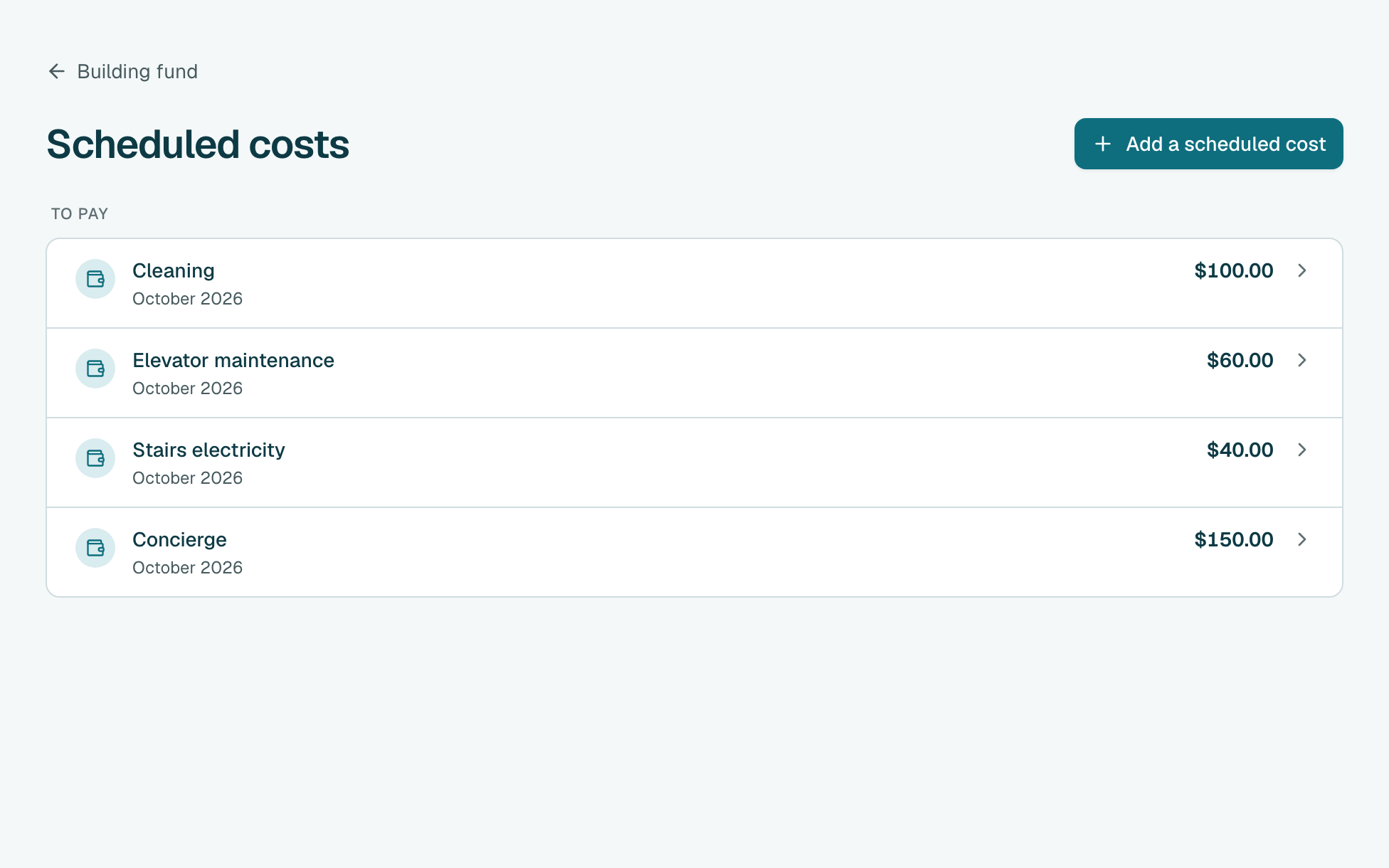
- Under To pay, click the cost you paid. A month you missed shows Late.
- Click Pay, then Pay it now.
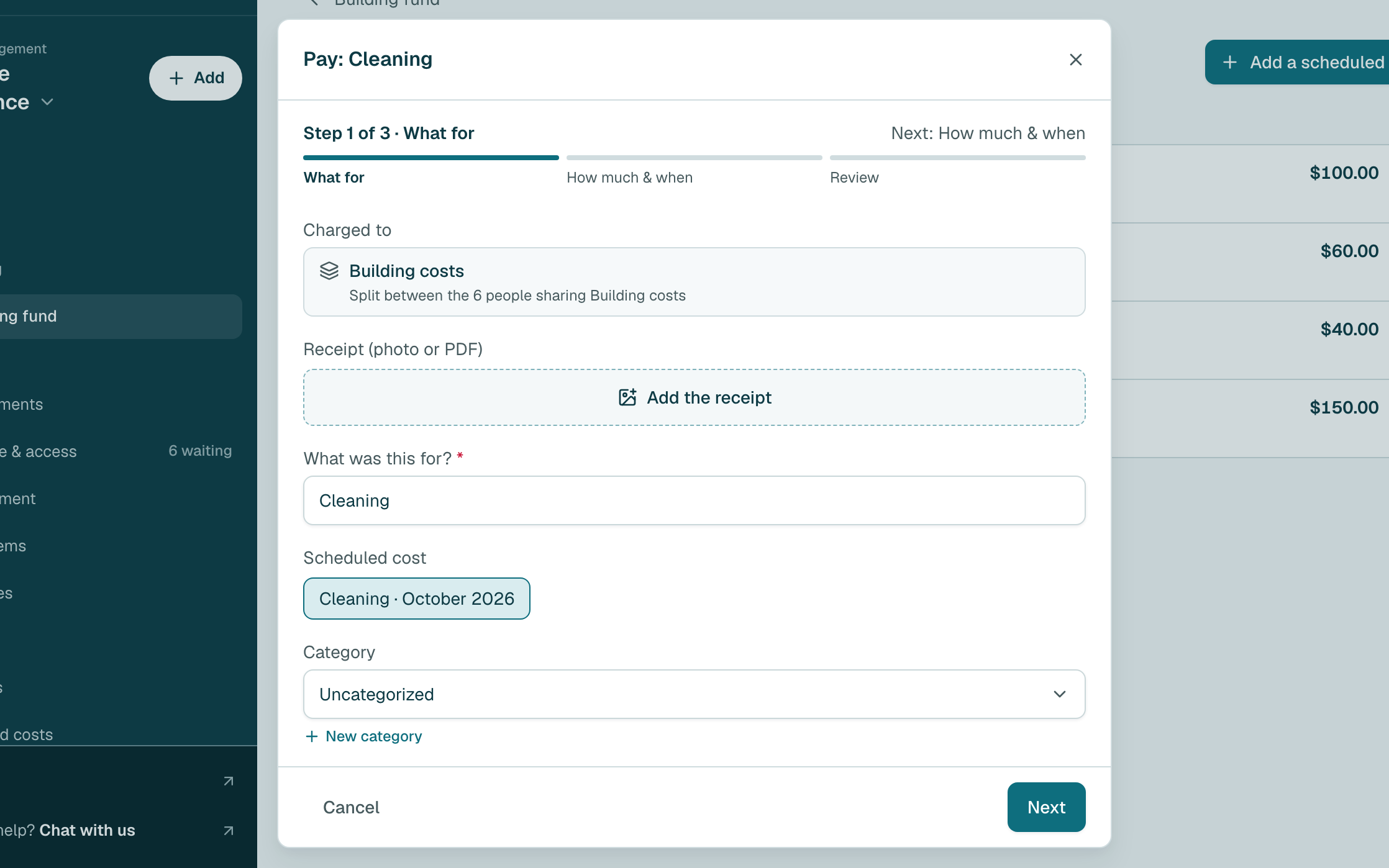
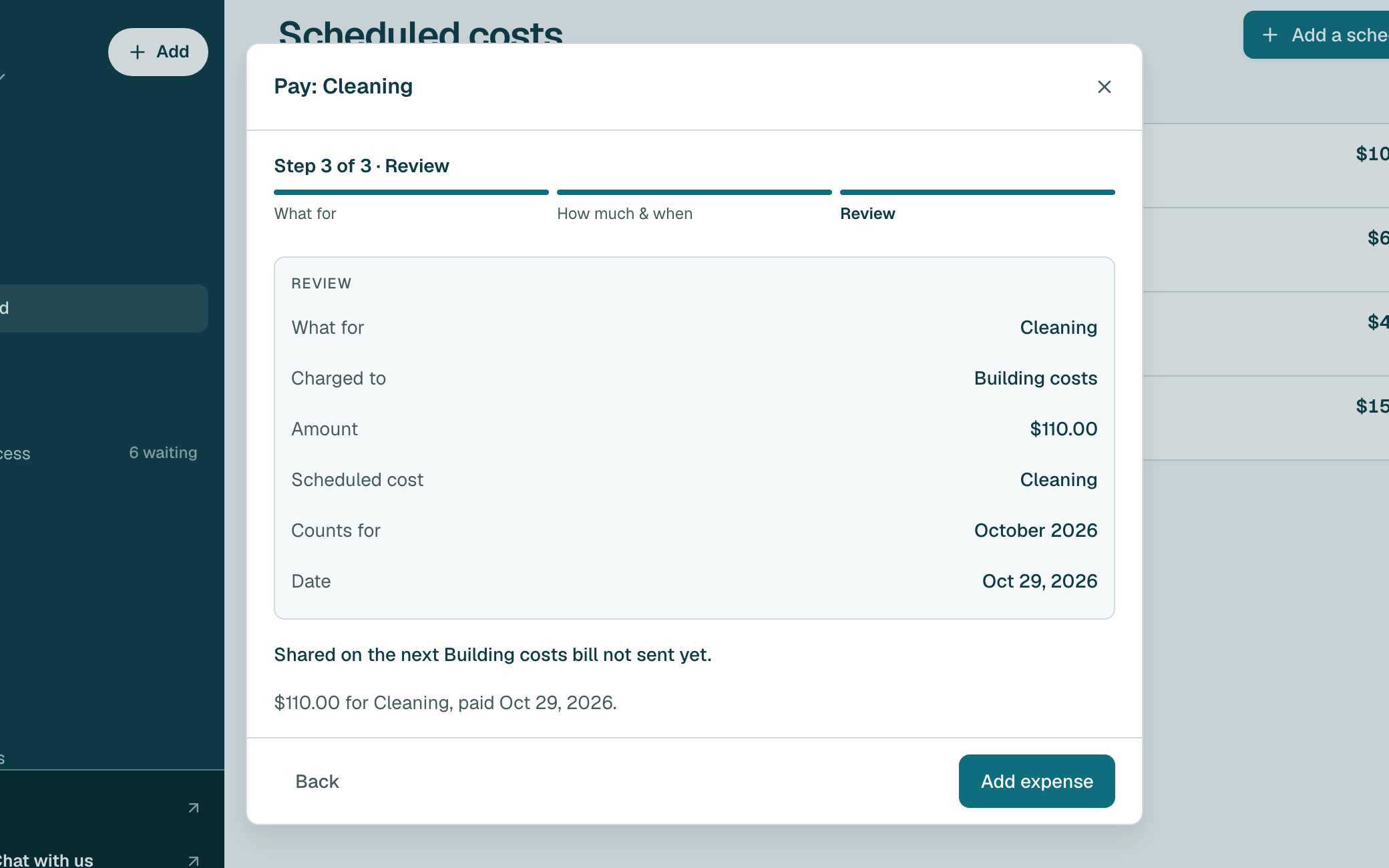
- The form is filled in for you, and the cost is already charged to Building costs. Click Next.
- The usual amount is already filled in. If you paid a different amount, click Change.
Type what you really paid. Then click Next.
Tip
If it is far from the usual amount, you see a warning. Check the bill, and save if it is right. Will it cost this from now on? Tick Use this amount from now on.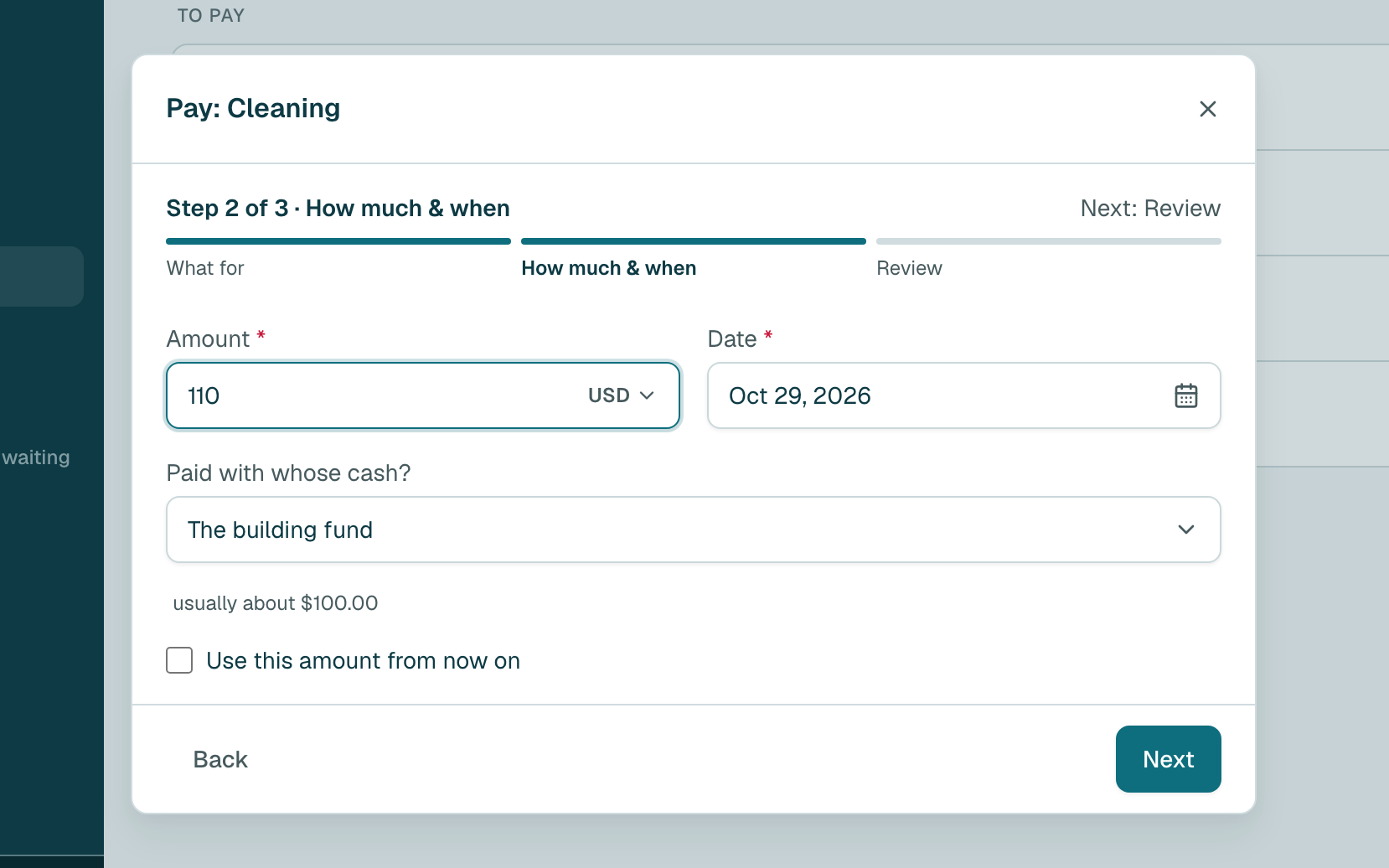
- Click Add expense.
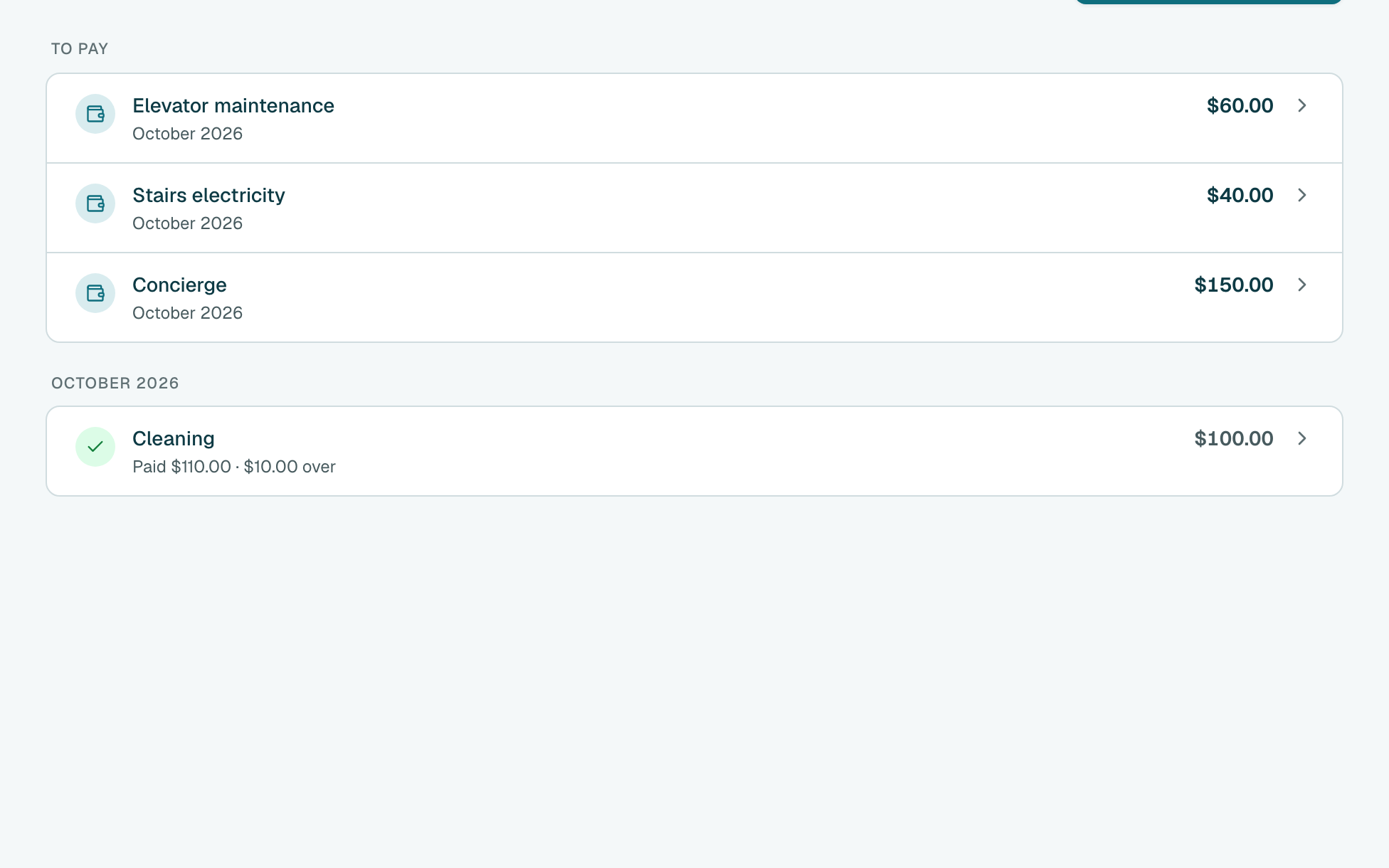
- Done. The cost leaves To pay and moves under this month, with what you paid. If you paid more or less than usual, it also shows by how much.
Tip
Already added it with Add? Open the cost, click Pay, then Already added it. Nothing to pay this month? Click Pay, choose nothing to pay, and say why.
Tip
You can also open it from Shared costs: click the cost, then Pay.
Still stuck?
Message us on WhatsApp and we will walk you through it.