Who still owes
When you want to follow up on unpaid bills, see who still owes and how much, then send them a reminder in the app.
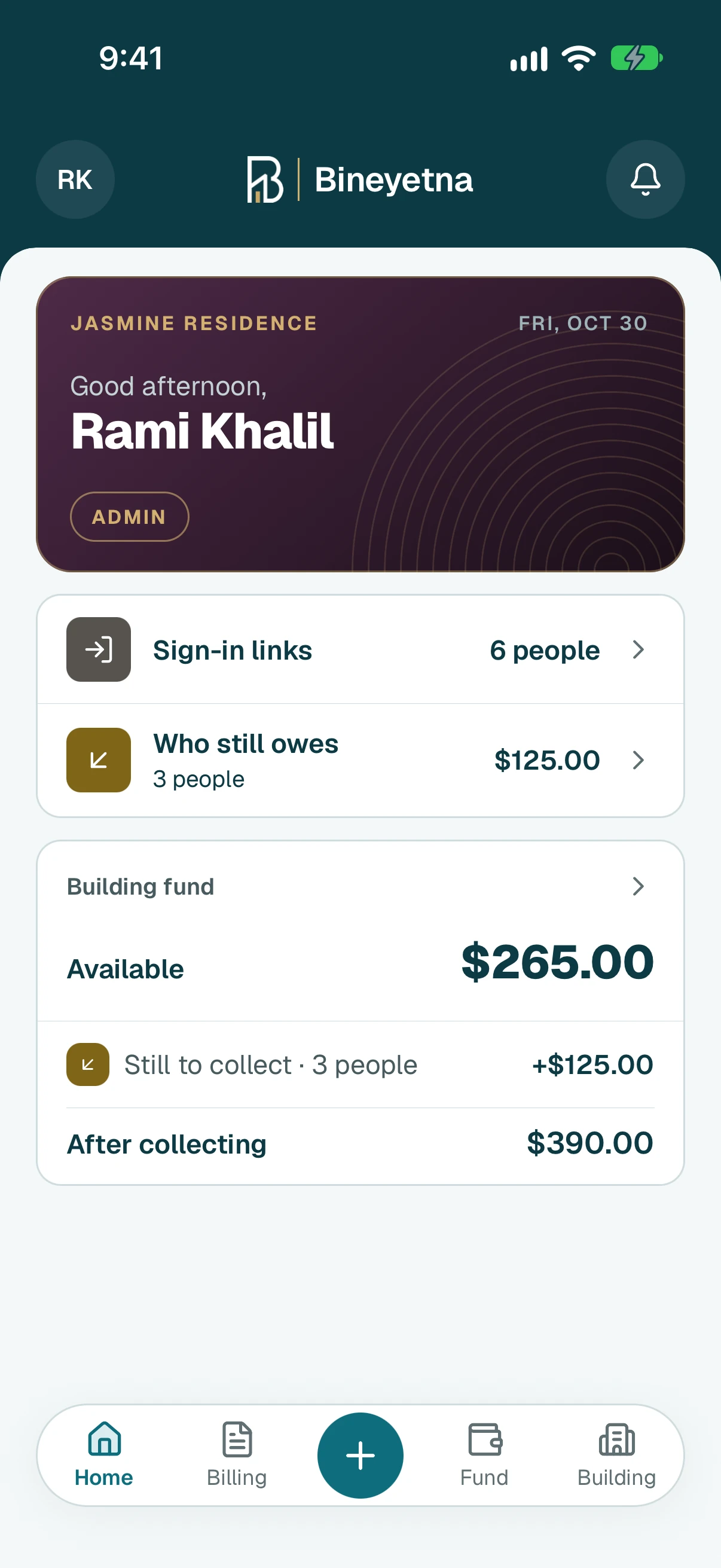
On Home, tap Who still owes.
Tip
If it is not there, nobody owes anything right now.
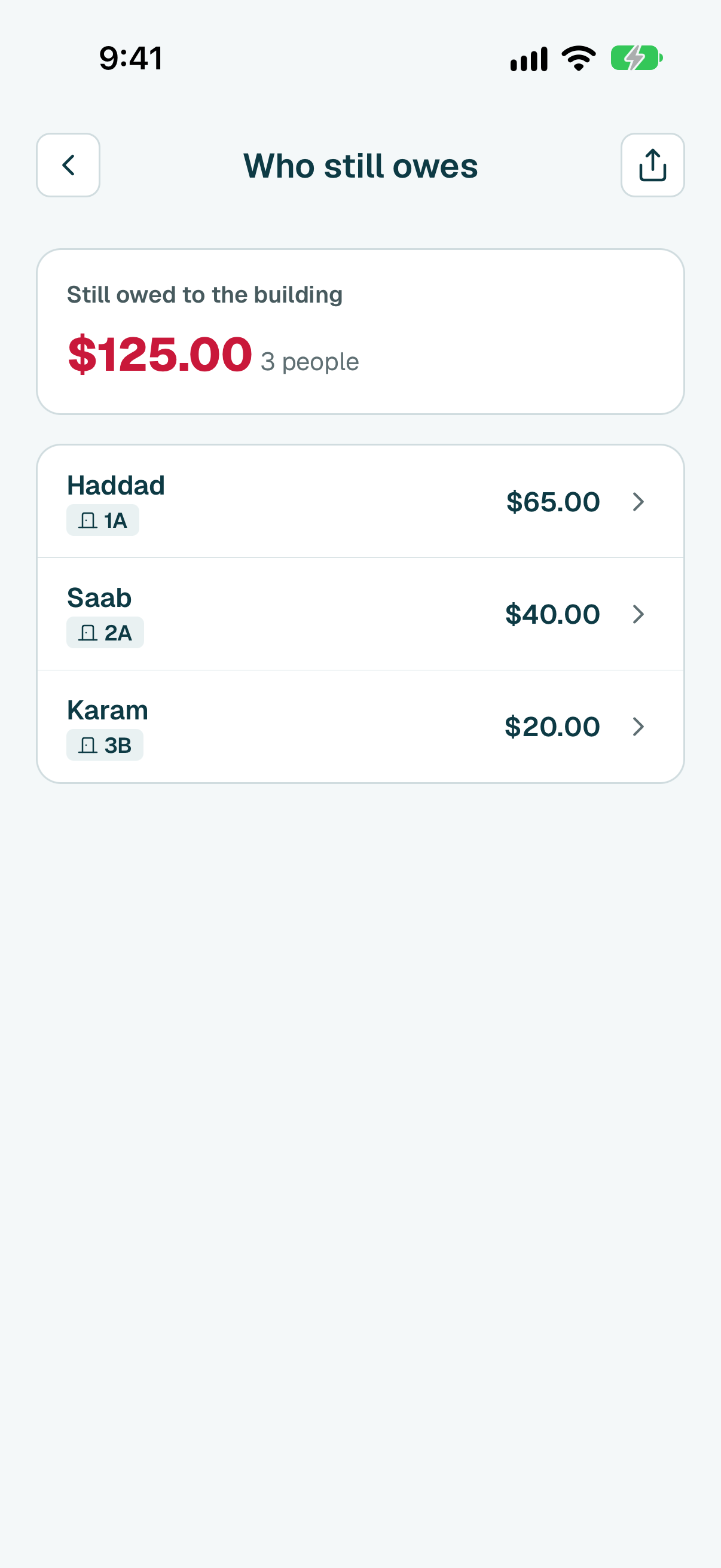
- You see everyone who still owes, the biggest amount first. Tap a person to open their page.
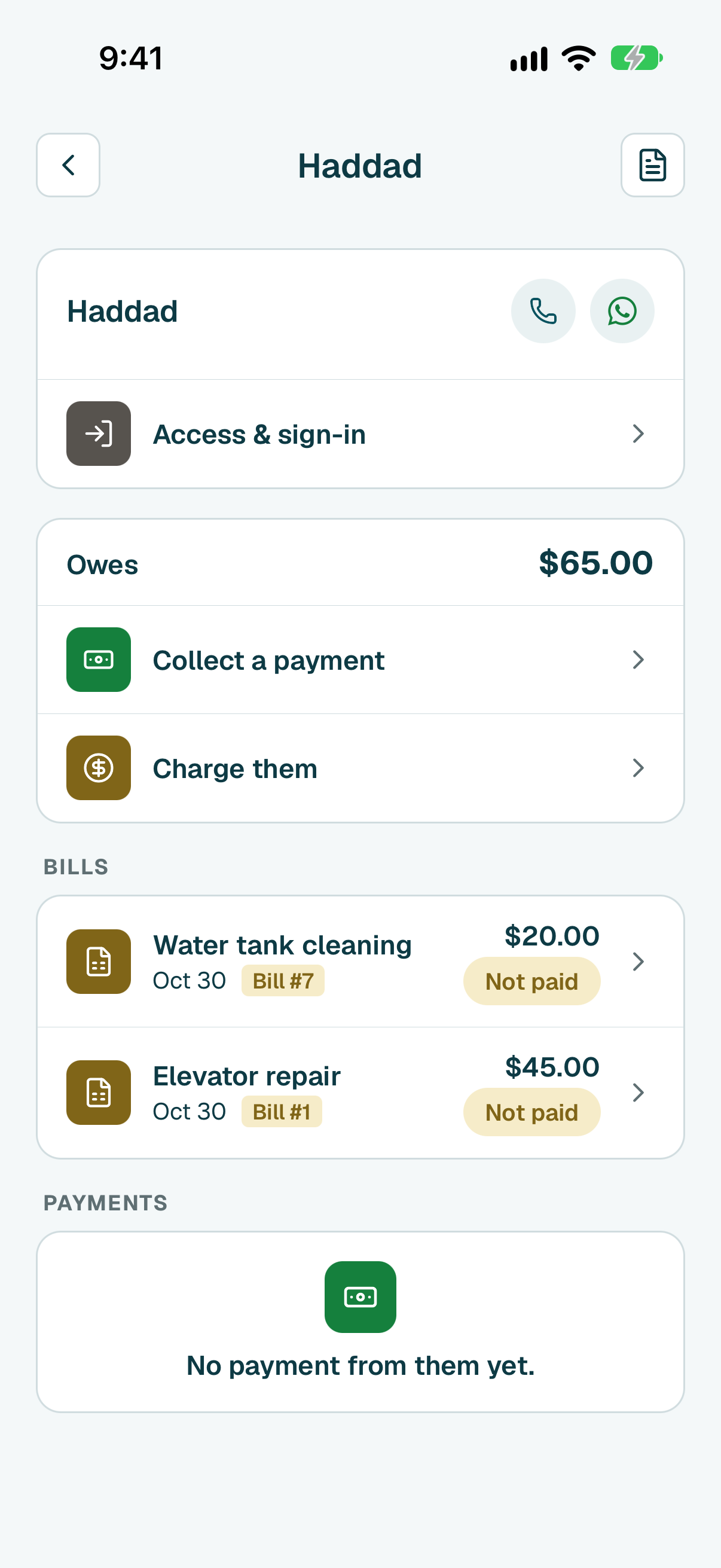
Their page shows what they owe and their bills. Tap a bill marked Not paid or Part paid.
Tip
To message them on WhatsApp instead, tap the round WhatsApp button next to their name. The message with what they owe is already written.
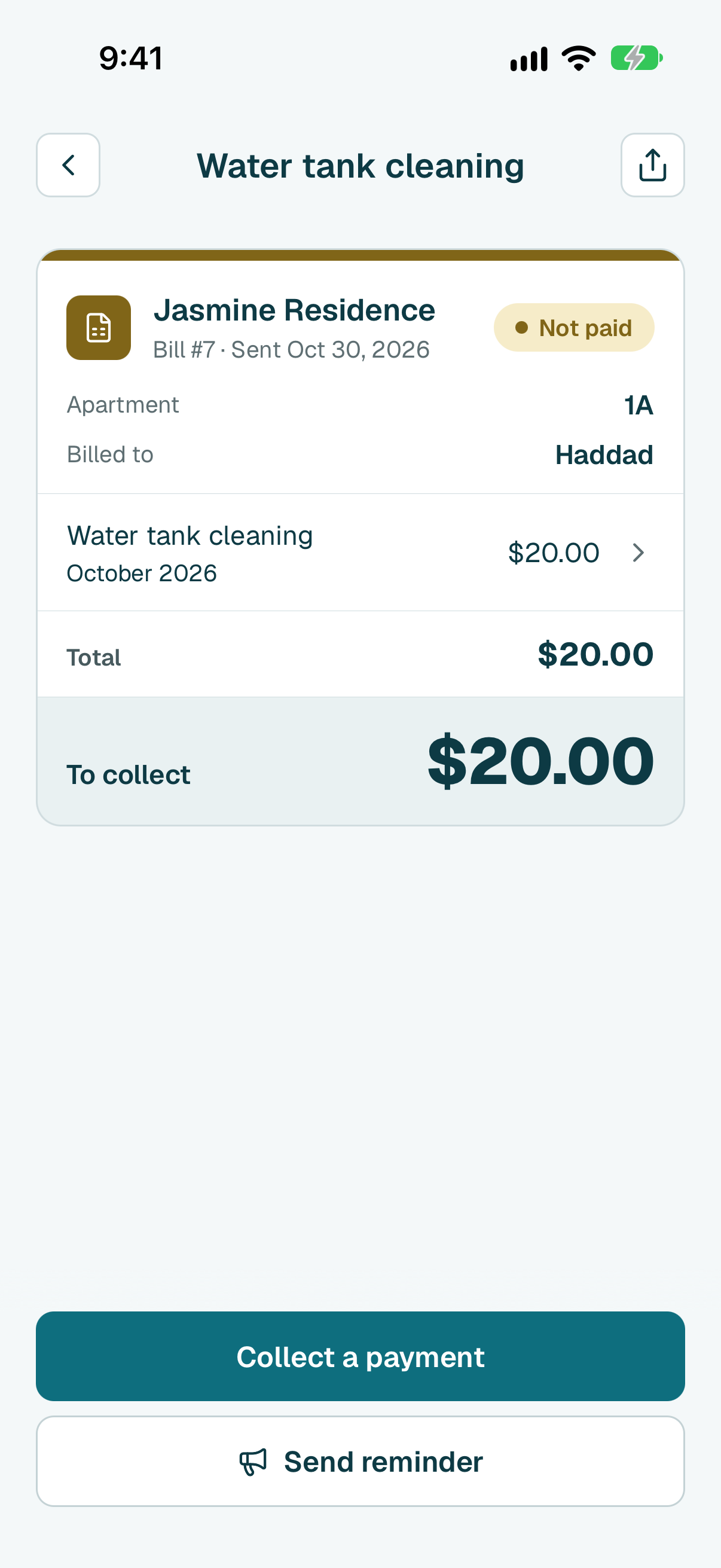
Tap Send reminder, at the bottom of the bill.
Tip
No button? The bill is already paid, or they moved out and the app can no longer reach them.
- The reminder is already written, with the amount. Change it if you like, then tap Next.
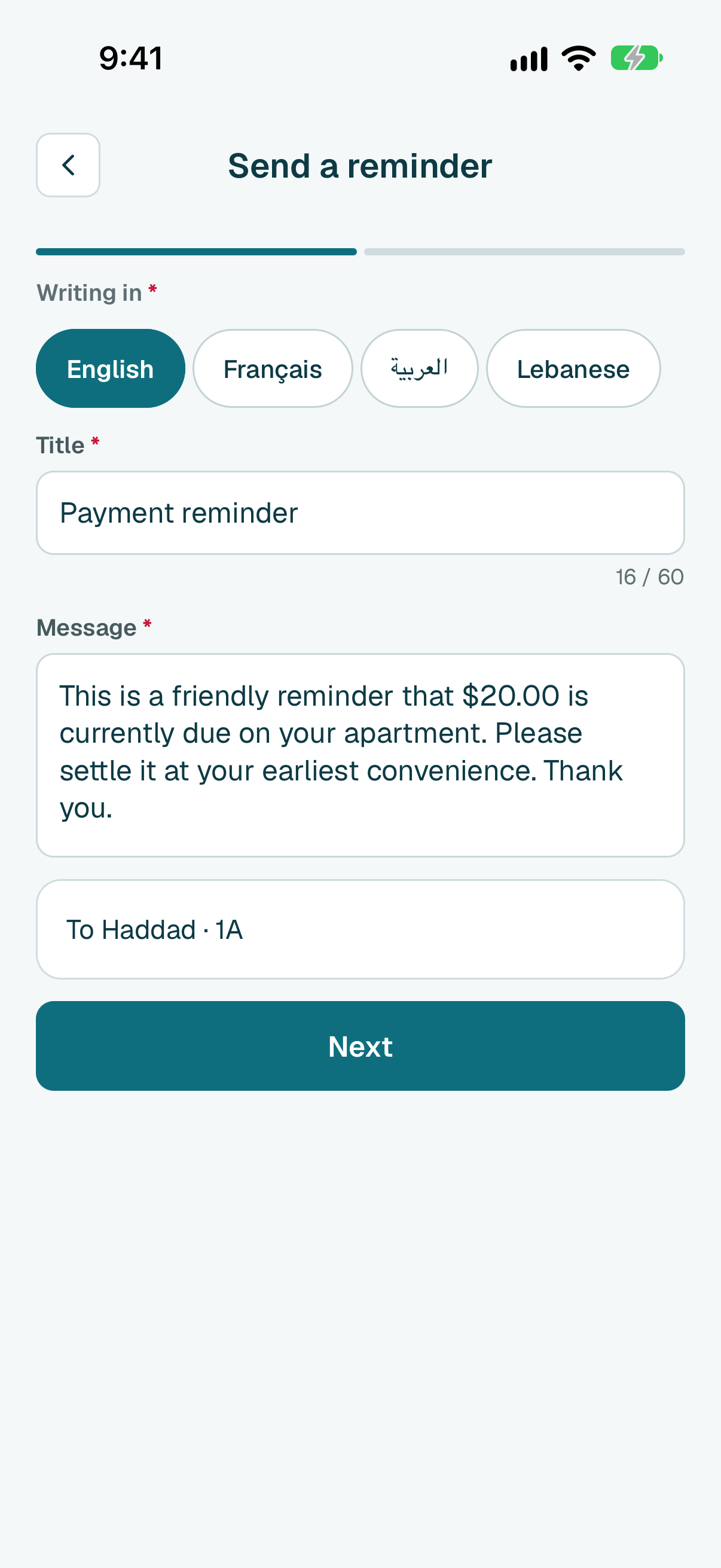
- Check it, then tap Send now. They get it in the app, in their own language.
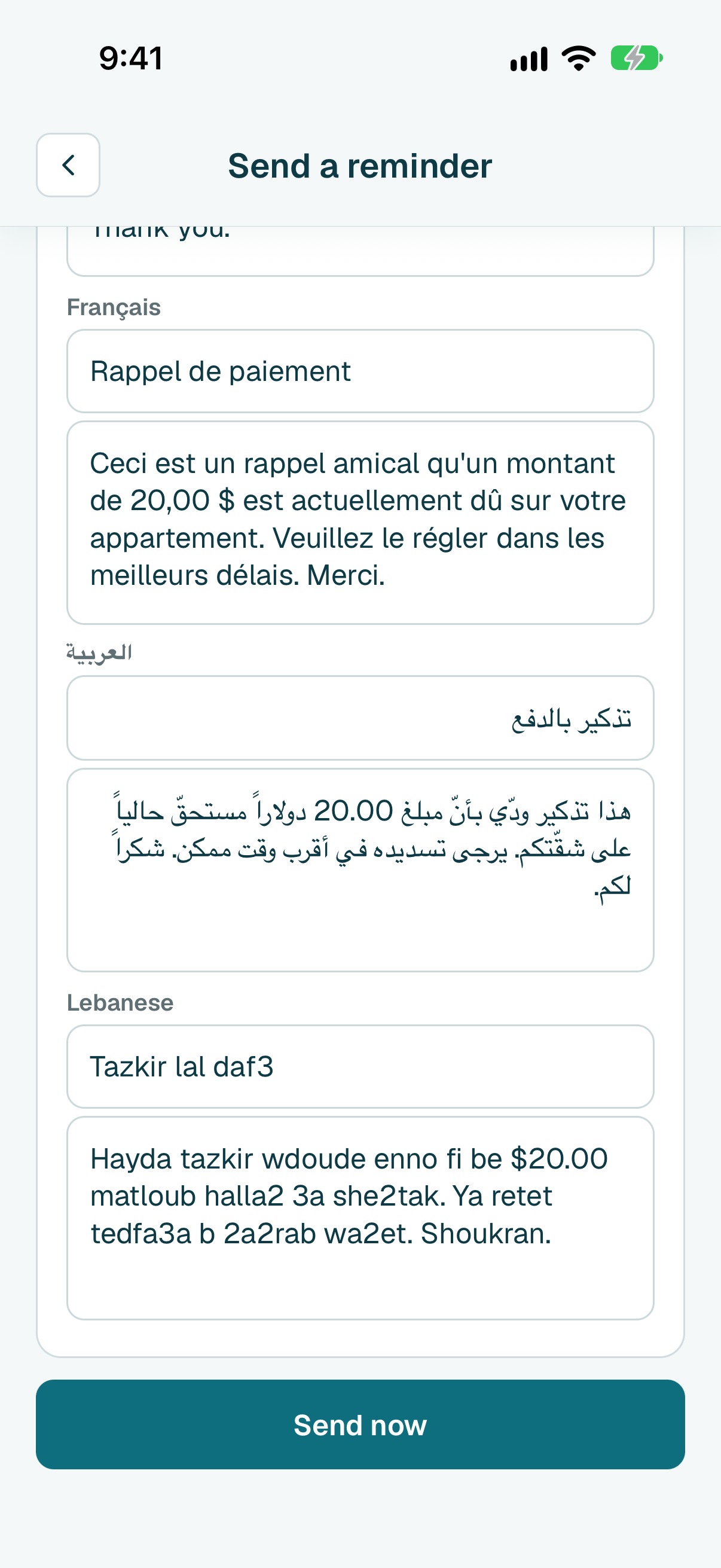
On Home, click Who still owes.
Tip
If it is not there, nobody owes anything right now.
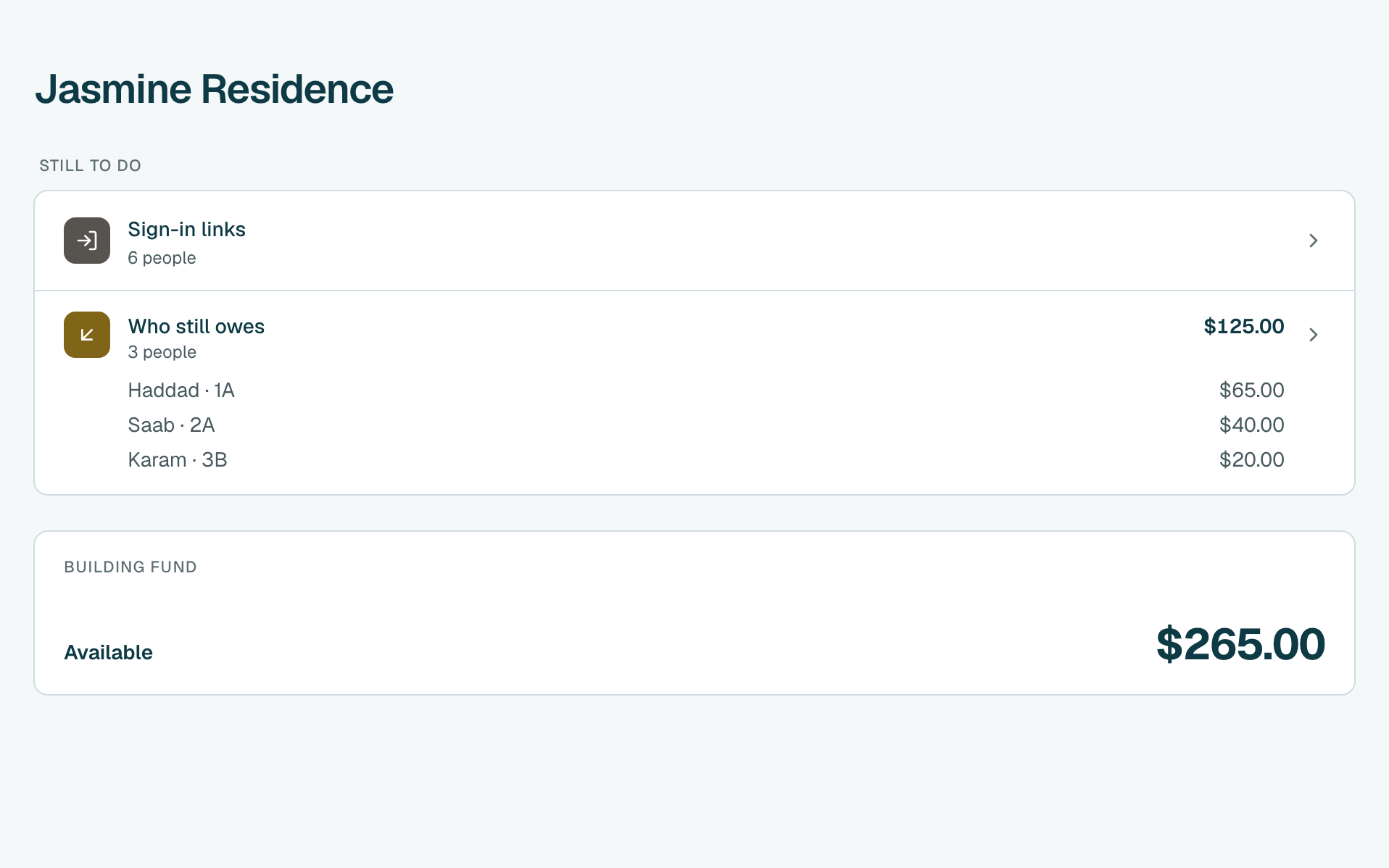
- You see everyone who still owes, the biggest amount first. Click a person to open their page.
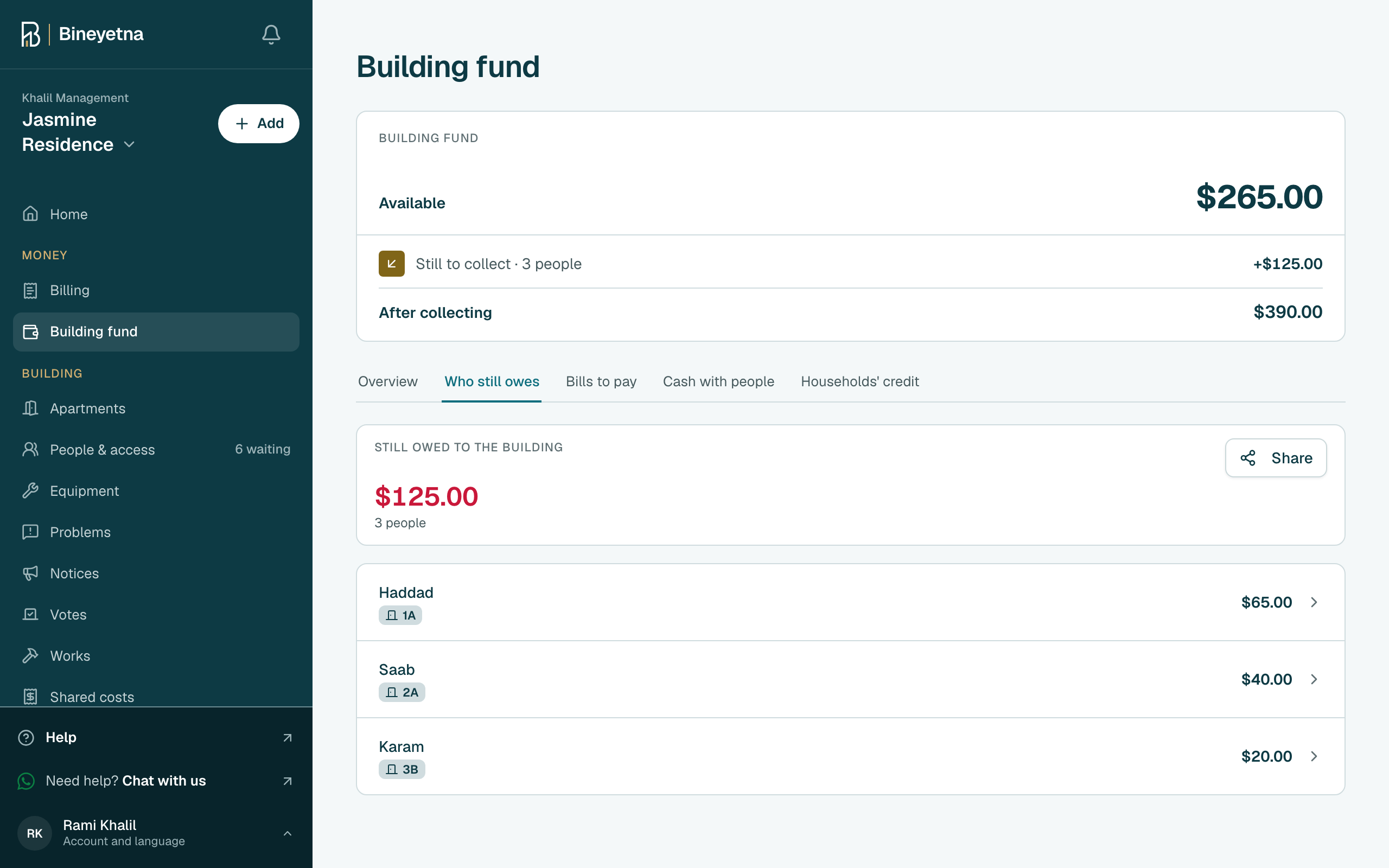
Their page shows what they owe and their bills. Click a bill marked Not paid or Part paid.
Tip
To message them on WhatsApp instead, click WhatsApp next to their name. The message with what they owe is already written.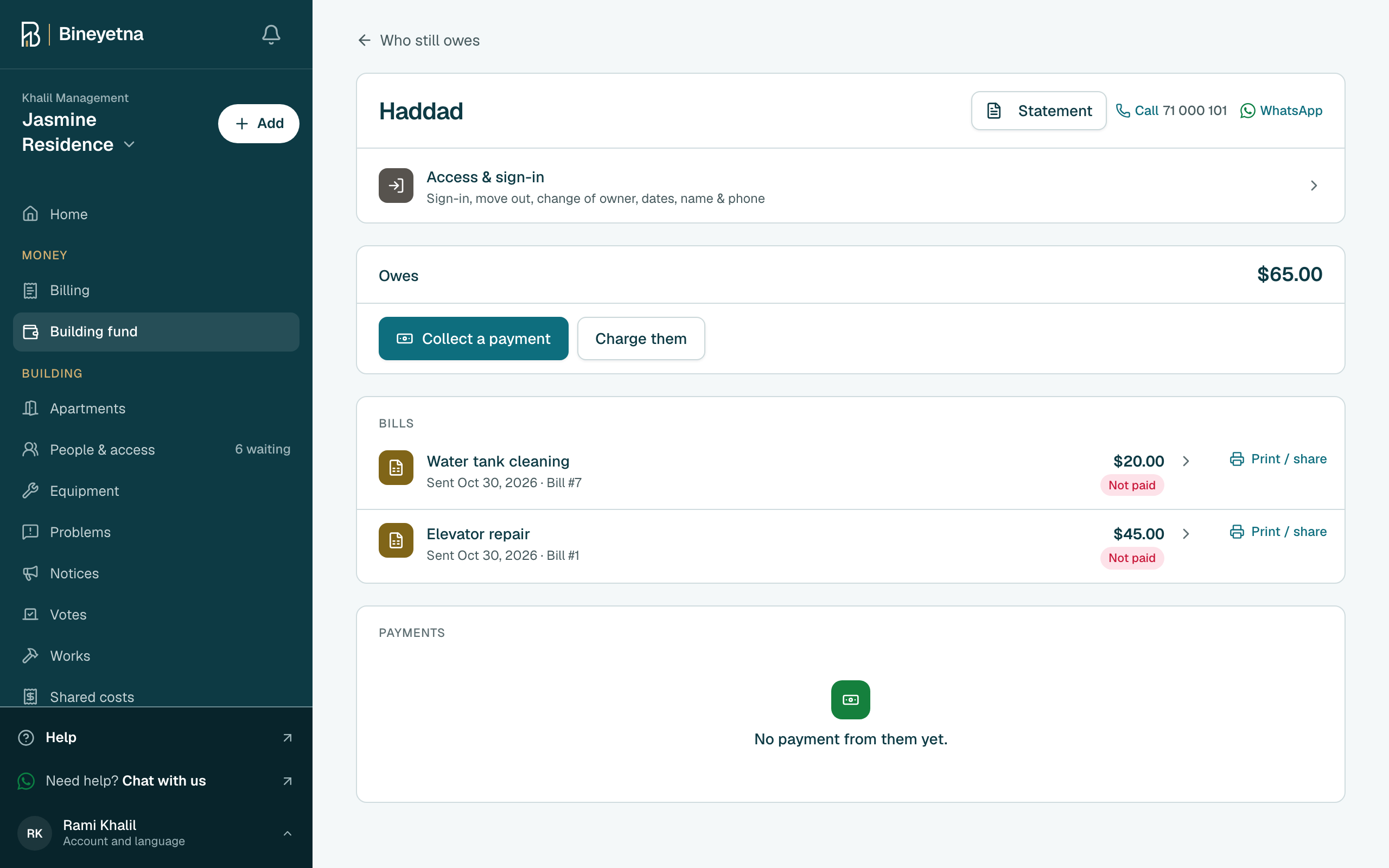
Click Send reminder, at the top of the bill.
Tip
No button? The bill is already paid, or they moved out and the app can no longer reach them.
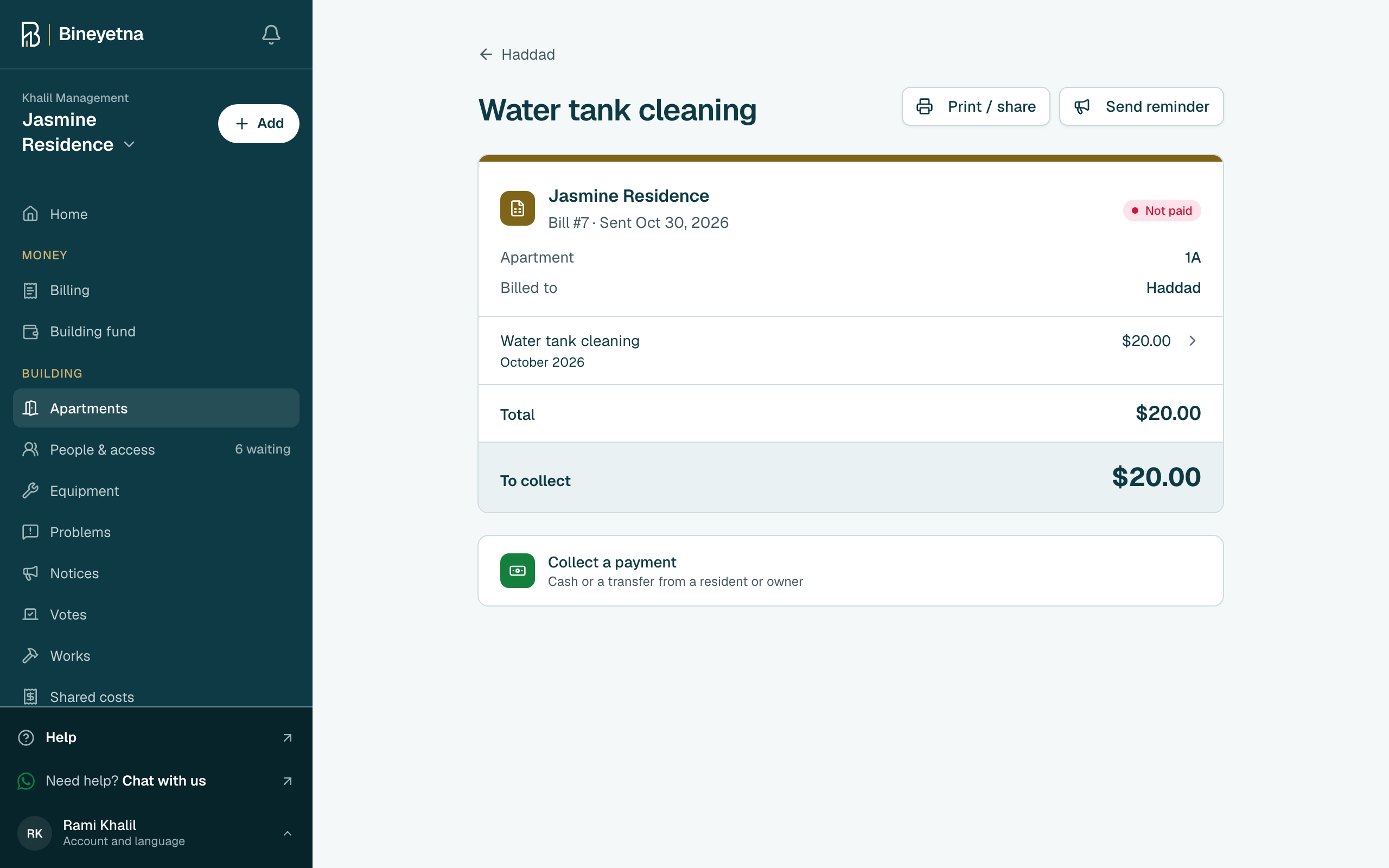
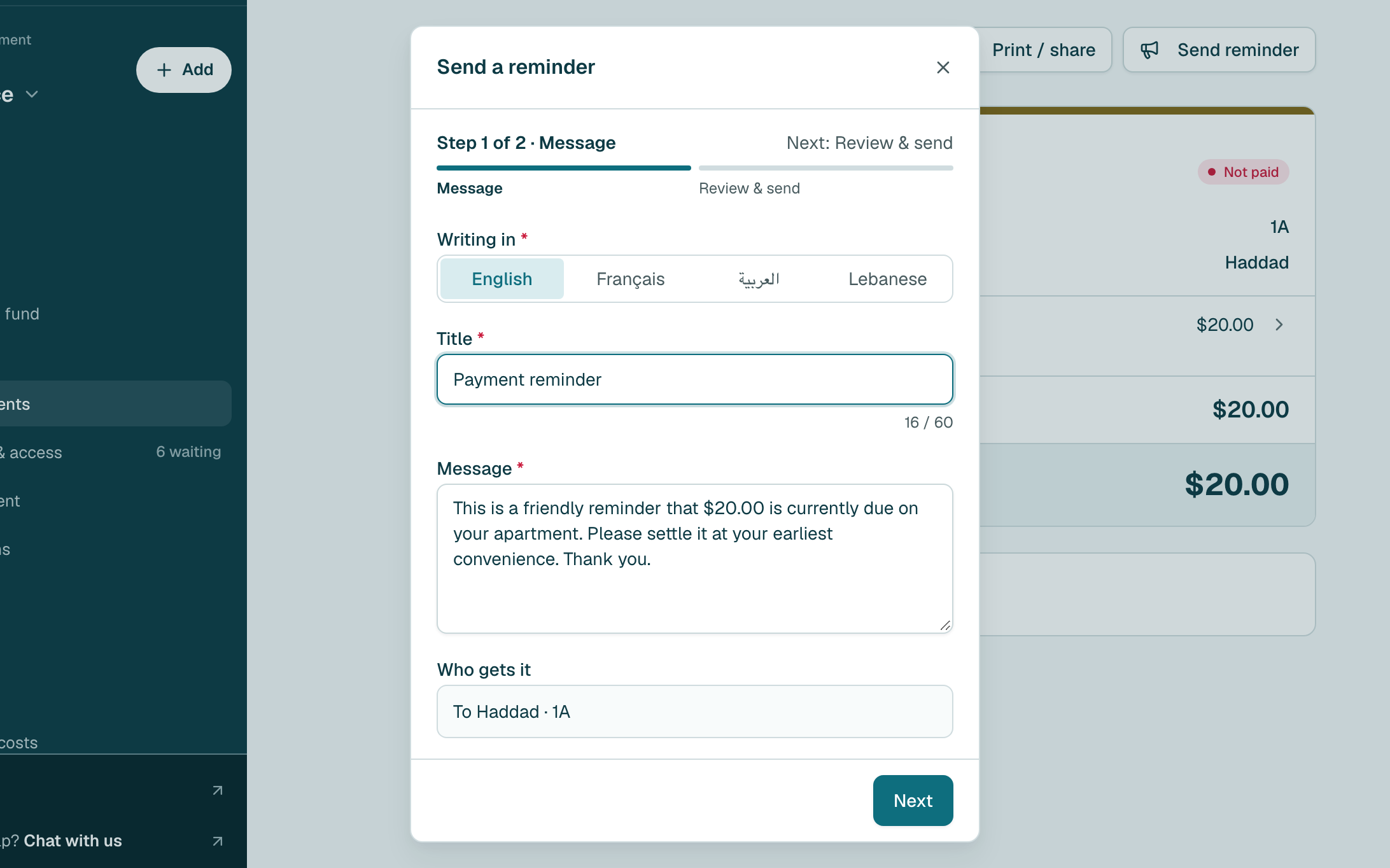
- The reminder is already written, with the amount. Change it if you like, then click Next.
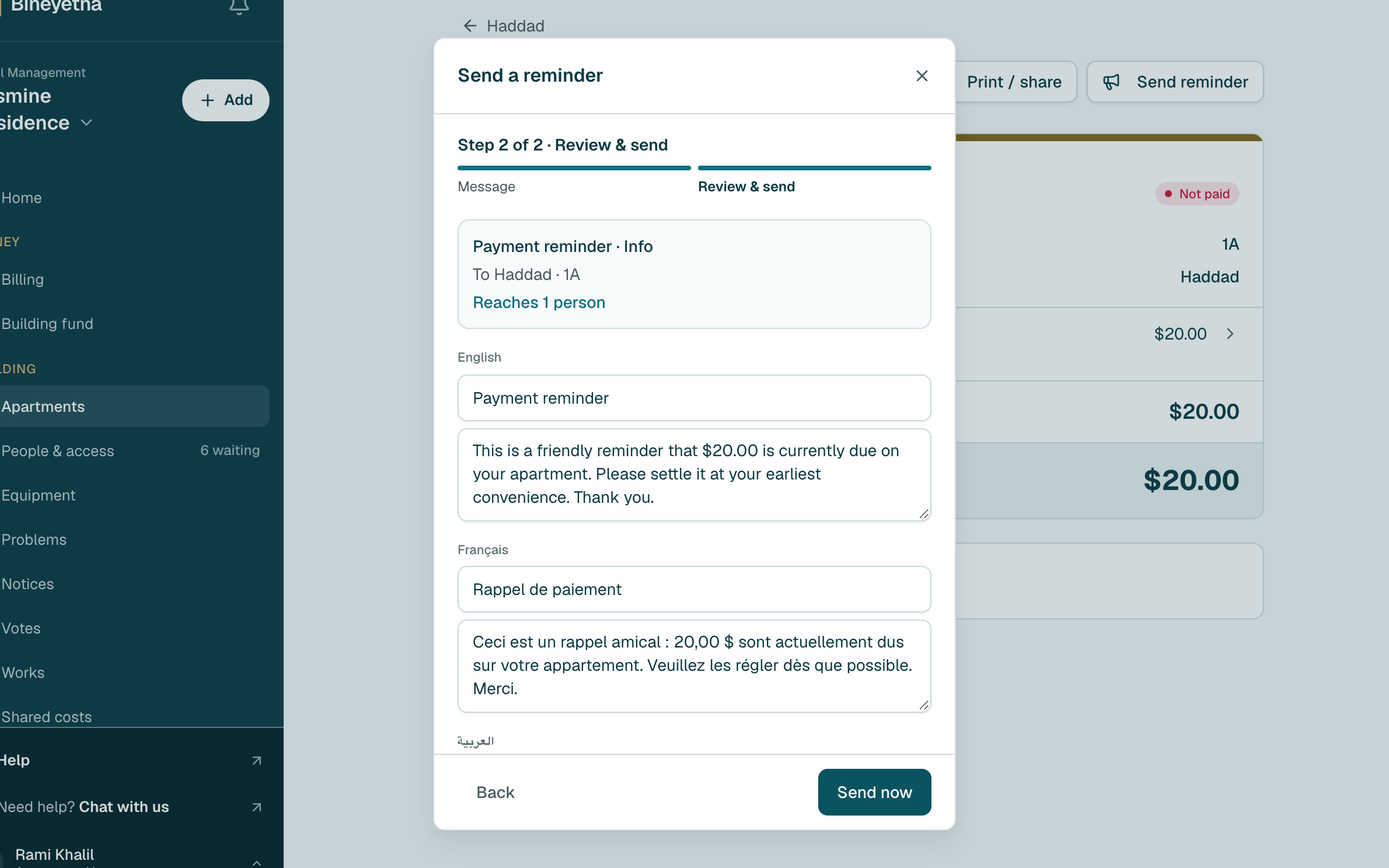
- Check it, then click Send now. They get it in the app, in their own language.
Still stuck?
Message us on WhatsApp and we will walk you through it.